
Ditching Per-Minute SaaS Fees: How I Turned My M-Series Mac into an Offline Transcription Workstation
Not too long ago, I took on a project for a client that involved reviewing several two-hour-long, in-depth interview recordings. The client was absolutely emphatic about one rule: "These recordings contain internal confidential information. Do not upload them to any public cloud or third-party SaaS under any circumstances."
That single requirement instantly ruled out every online transcription tool I normally relied on—whether it was Otter, Rev, or even pinging the OpenAI API directly.
Desperate to process gigabytes of audio locally, I started tearing through different deployment options. My first attempt was with standard faster-whisper. Unfortunately, I quickly realized it wasn't effectively tapping into the Mac's GPU. Instead, it just choked the CPU, spun the fans up like jet engines, and churned out text at a frustratingly slow pace.
Then, while digging through Apple's developer docs, I stumbled upon MLX—Apple's native machine learning framework. The M-series chips, with their massive unified memory architecture, are basically custom-built for running large models locally. Why was I still burning money on per-minute API charges?
After fighting through countless frustrating roadblocks—from environment setup and model conversion to wrestling with C++ dependencies during the build process—I finally managed to put together a silky-smooth, entirely offline desktop solution. Not only did it leverage MLX-Whisper to max out transcription speeds for English and multilingual audio, but I also deliberately baked in Alibaba's open-source Paraformer engine for high-precision Chinese transcription, and even managed to integrate speaker diarization (separating who said what).
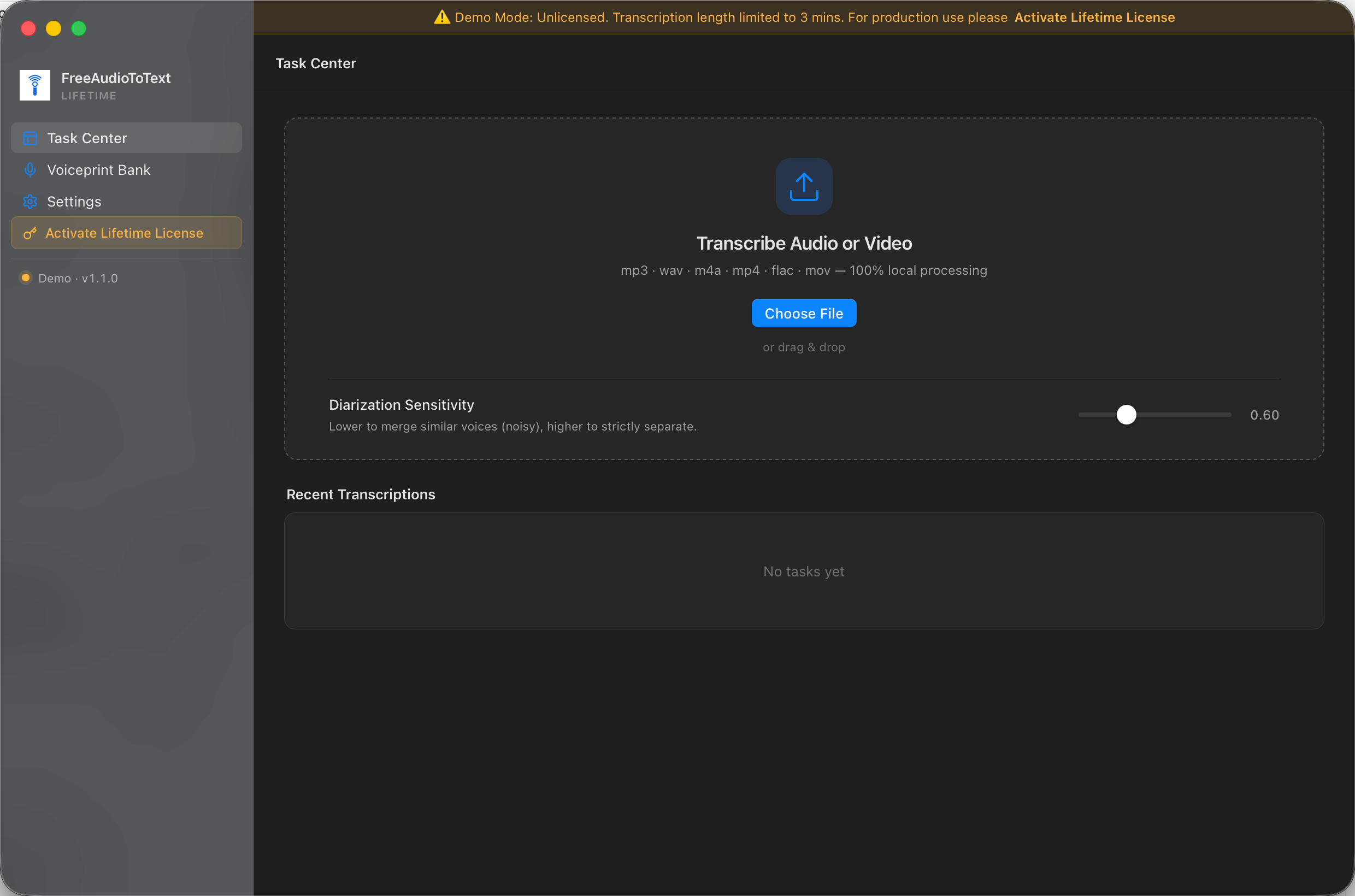
Running it in practice can only be described in one word: therapeutic.
I just drag a 2-hour M4A meeting file in, turn off my Wi-Fi, and watch the M2 chip's GPU instantly spike. In minutes, it spits out a complete, speaker-labeled transcript. Because everything runs 100% offline, the audio files and the resulting text stay permanently locked on my local hard drive, passing my client's privacy requirements with flying colors.
If you're still paying hefty monthly subscriptions for transcription tools, or if you take on gigs with incredibly strict data privacy requirements like I do, I highly recommend squeezing every ounce of performance out of the M-series Mac sitting on your desk. By the way, I eventually packaged my local core into an out-of-the-box tool and threw it up on freeaudiototext.com. If you want to skip the headache of terminal codes, environment errors, and compiling from scratch, you can just grab the Mac offline version from there.
Stop paying the "API wrapper" tax. Your Mac is already a performance monster—put it to work.